A venture fund runs on a small team and a great many records: LP commitments and capital calls, deals in the pipeline, portfolio companies, side letters, reports for investors and regulators. When those records live in separate spreadsheets, inboxes and shared drives, much of the team's week goes into joining them up.
AERO VC brings that work into one application. It is a demo of the AERO platform for the back office of a venture fund, and these 13 narrated films, about 29 minutes in all, were recorded on it as it runs. The funds, people and figures on screen are fictional demo data, and the dashboard figures are computed live from those records.
Each film follows one part of the work. Pick a card to jump to it, or scroll and watch them in order.
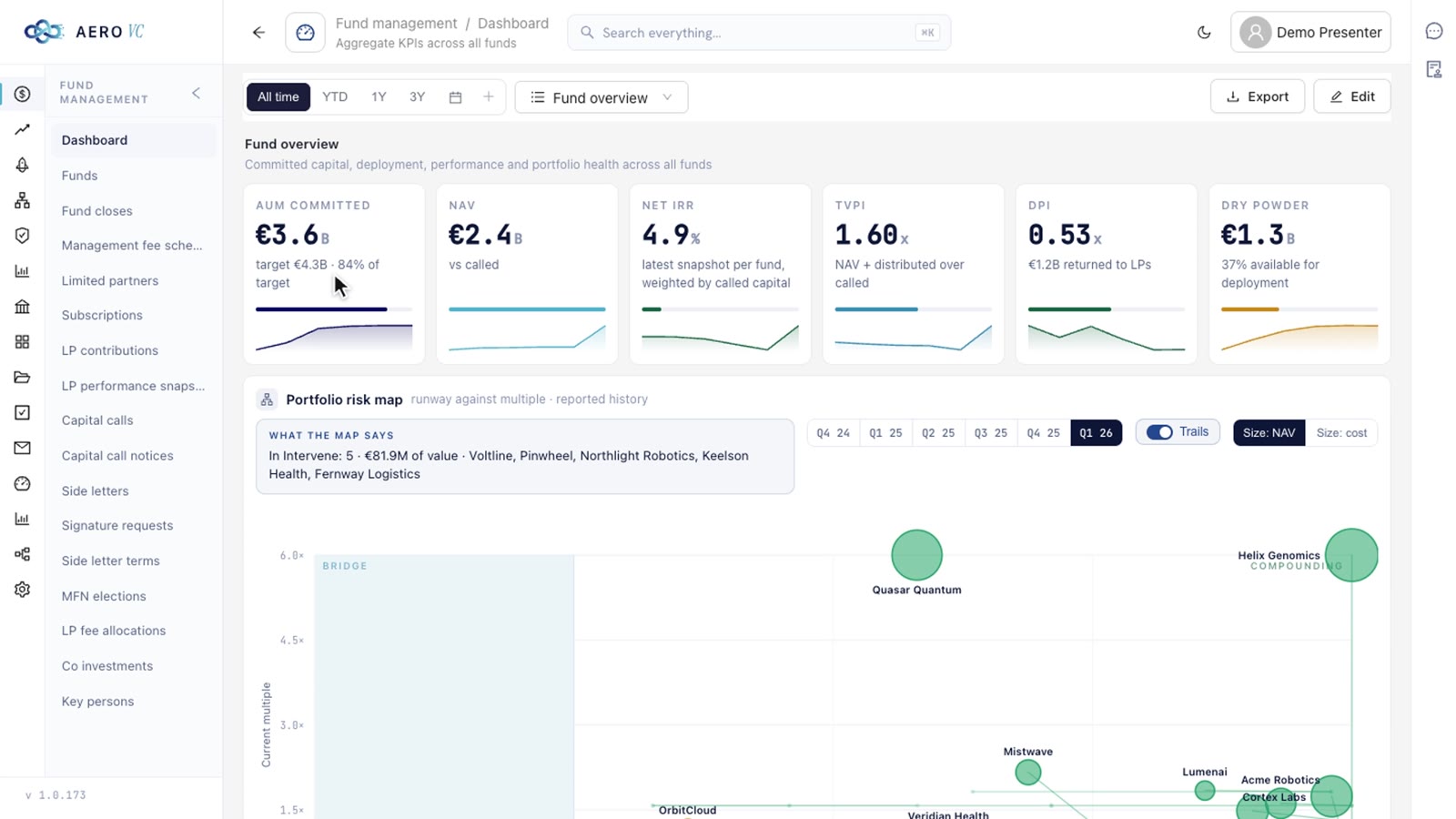
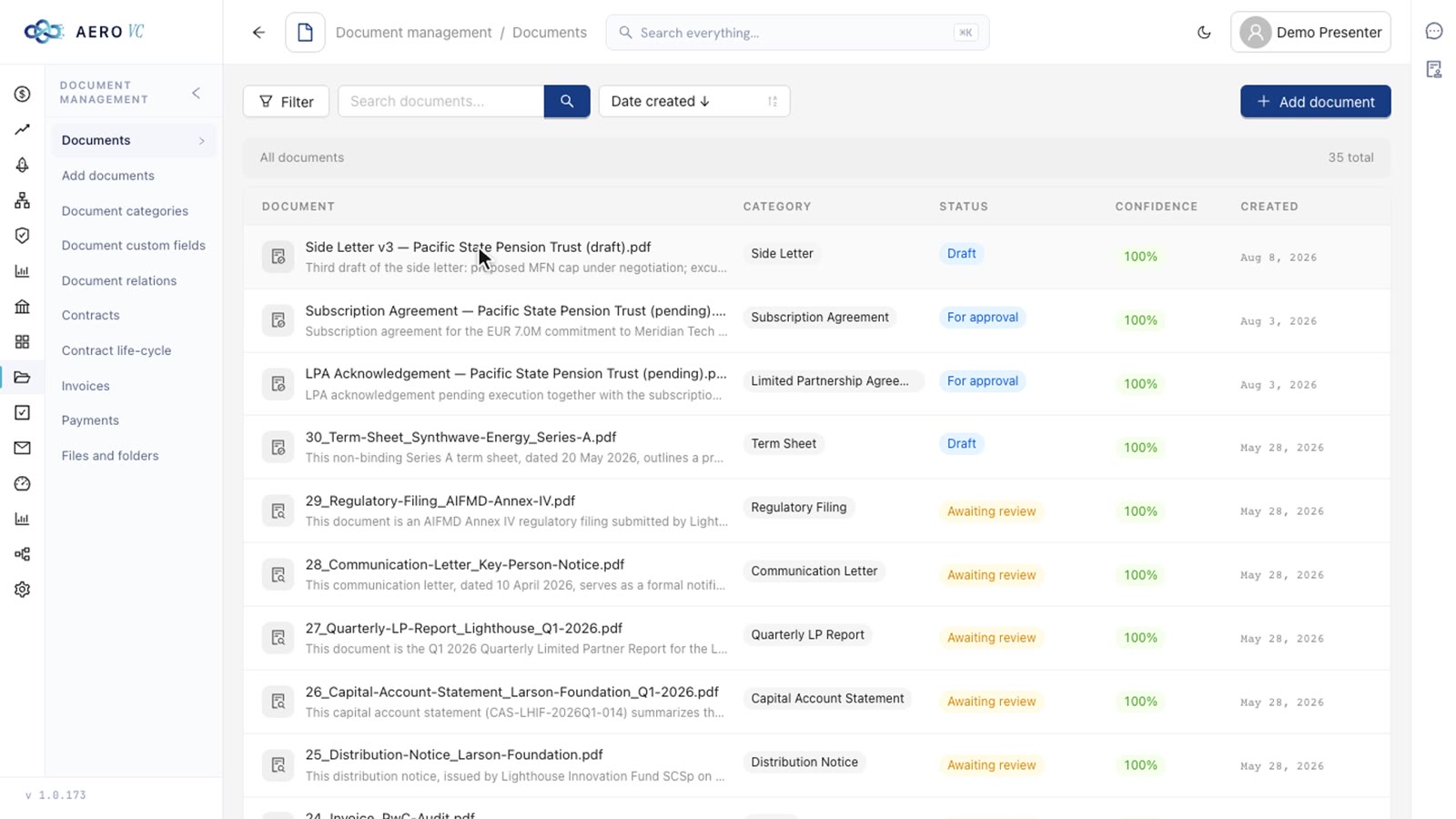
Start with the menu. It holds the whole back office, from capital raising and the deal pipeline to legal, reporting and cash. Then watch the same records change shape: deals on a Kanban board, where dragging a card changes its status, the team's week on a calendar, funds in a table whose rows open a page with subscriptions, capital calls, investments and performance. In the Communications tab every field is a link, and a message opens with every record it touches.
01Navigation and the ways data is shown2:17
AERO VCNavigation and the ways data is shown
Narration12 lines
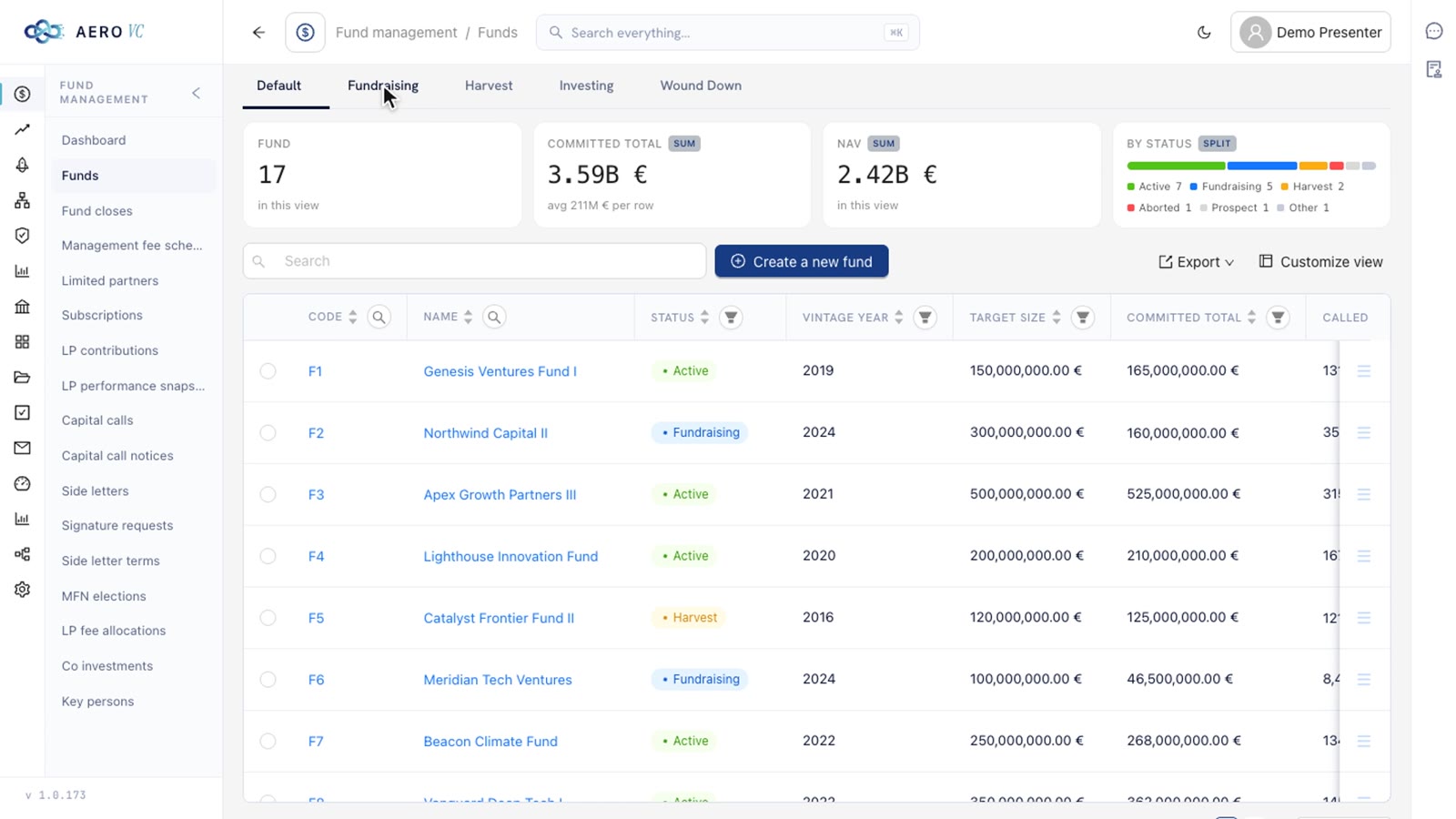
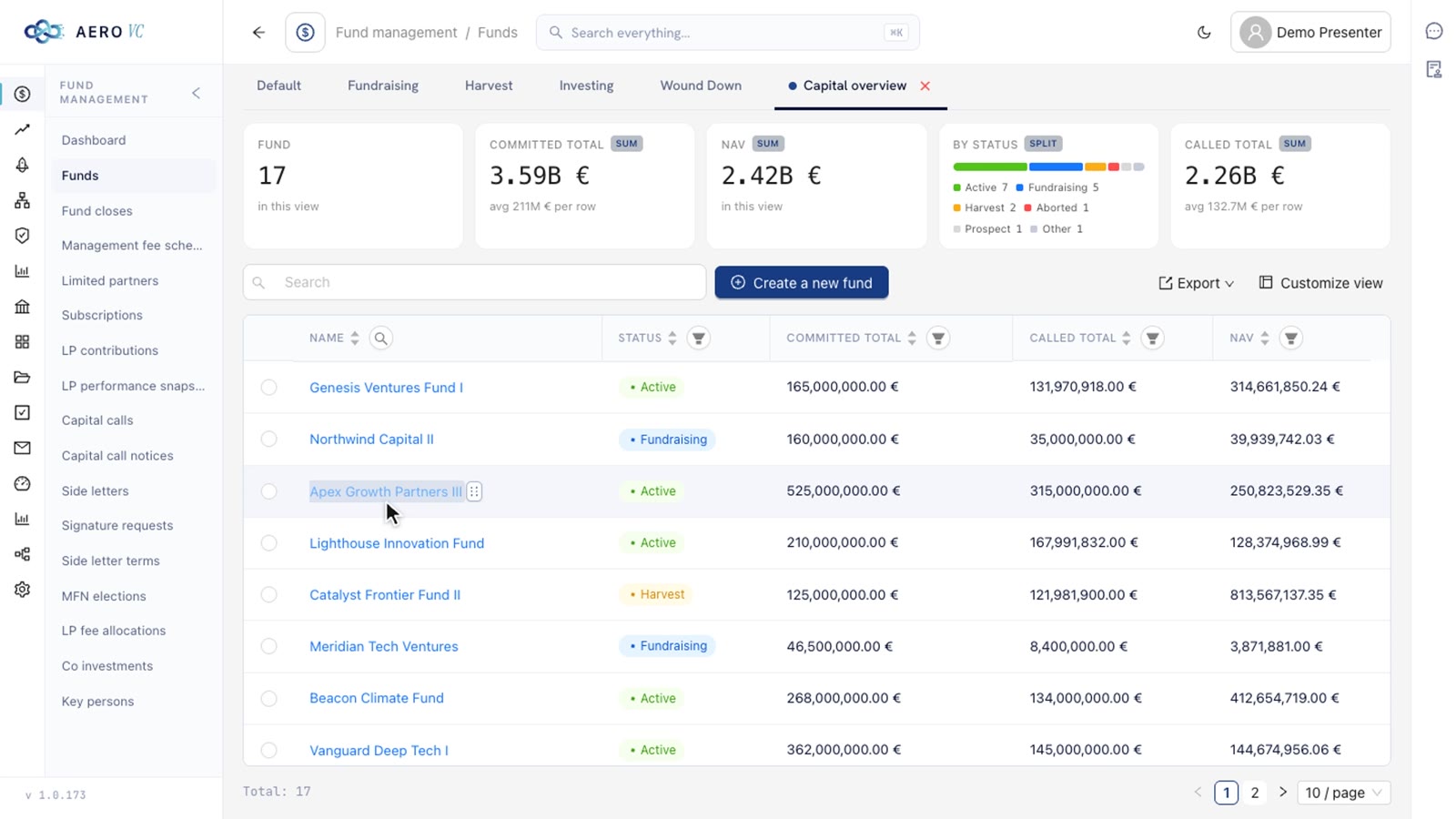
Each person can cut the funds table their own way. A saved view keeps only the columns they need, summary cards add up figures such as the called total, and a filter narrows the list to the active funds. The cards count only the rows in the view and recount the moment the view changes, so the numbers on top always describe the table below.
02Views, summary cards and filters2:11
AERO VCViews, summary cards and filters
Narration9 lines
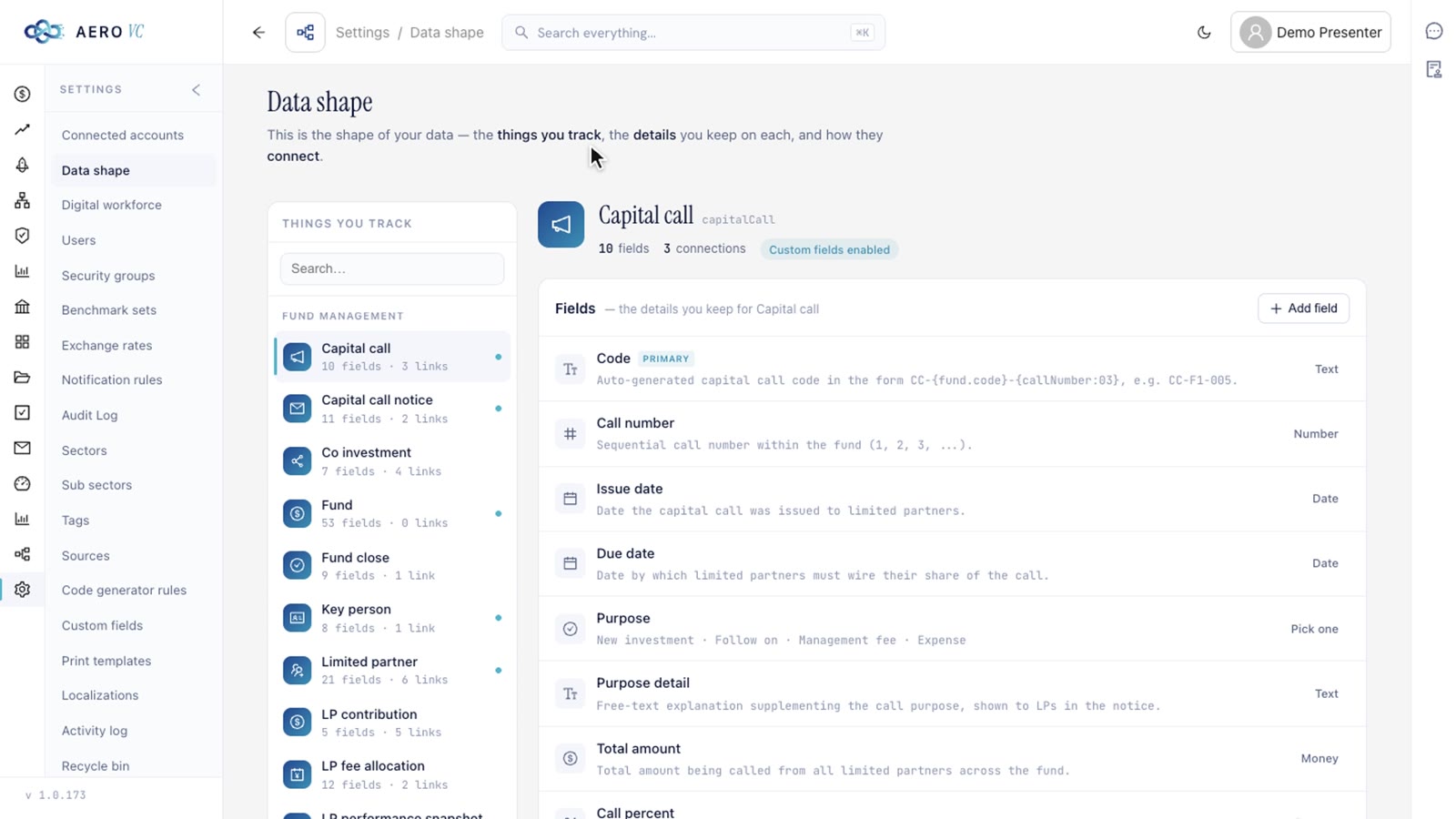
The data model is open to read. Settings show every kind of record the platform keeps, its fields and their types, and how records connect: everything a deal opportunity belongs to, and the funds a limited partner takes part in. The map is read from the same live model the application runs on.
03Data shape0:53
AERO VCData shape
Narration5 lines
Every value traced
When a back office reports to investors and regulators, the first question about any number is where it came from. Here a value with a known source carries a badge. Its history panel lists every change, who or what made it and how confident the extraction was, and Open source jumps to the exact passage in the document the value was read from.
04Field provenance and the audit log1:00
AERO VCField provenance and the audit log
Narration6 lines
A side letter arrives that nobody has processed yet. The AI reads it and pulls out its terms and every party it names, each highlighted in the text with a card beside it. Watch the colours: blue cards are records the fund already has, grey cards name people and entities it does not have yet. The reviewer decides what to create and what to link, and the document is stored with its new records once they approve.
05Documents read by AI2:21
AERO VCDocuments read by AI
Narration7 lines
Finding answers
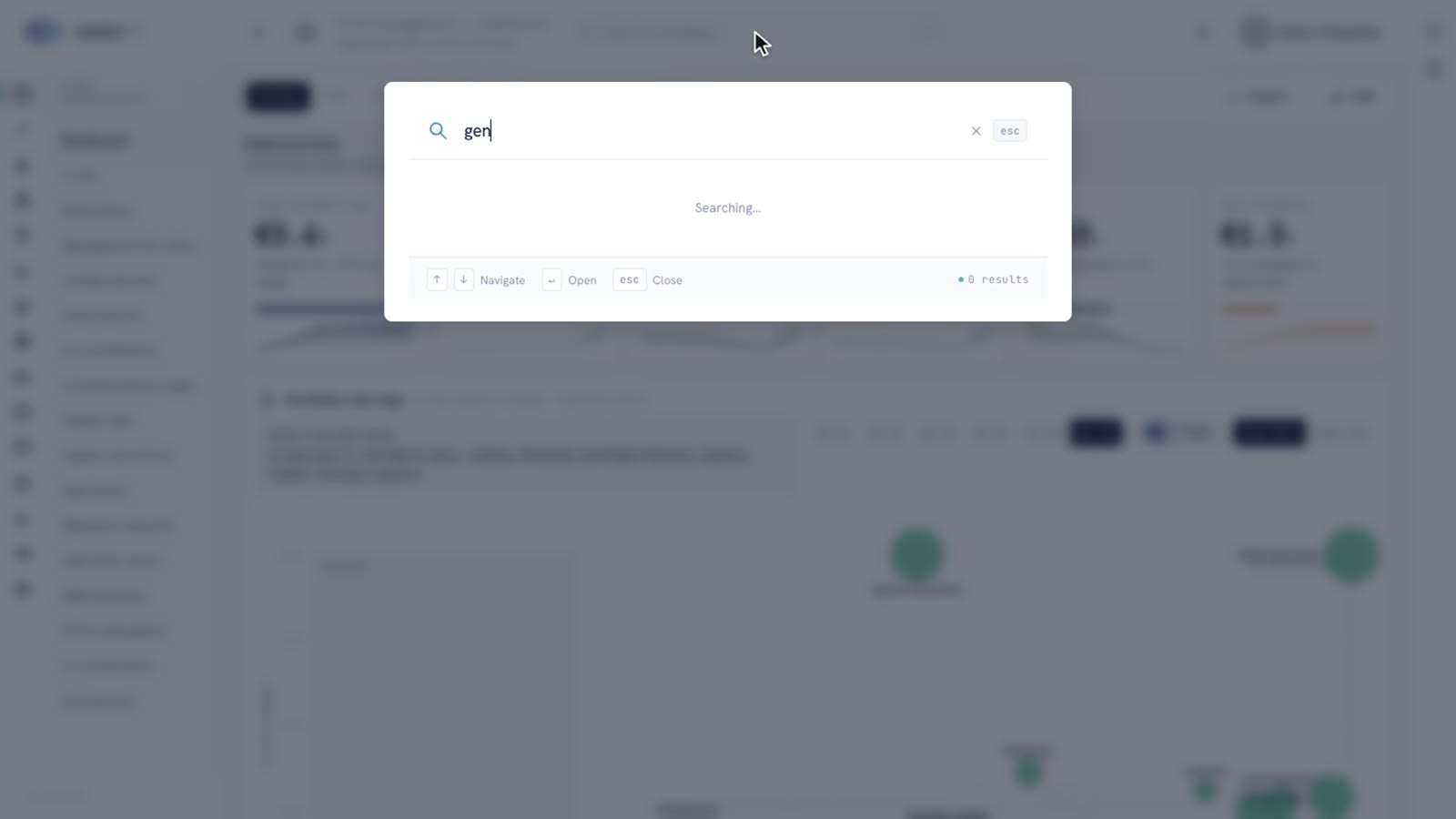
Search reaches every record, and the application's own pages too. Watch it cope with a typo, a fund name typed in Cyrillic, a Bulgarian word and a plain question such as "Where are my deals". It finds a page three levels deep in the menu as easily as a fund.
06Global search1:10
AERO VCGlobal search
Narration7 lines
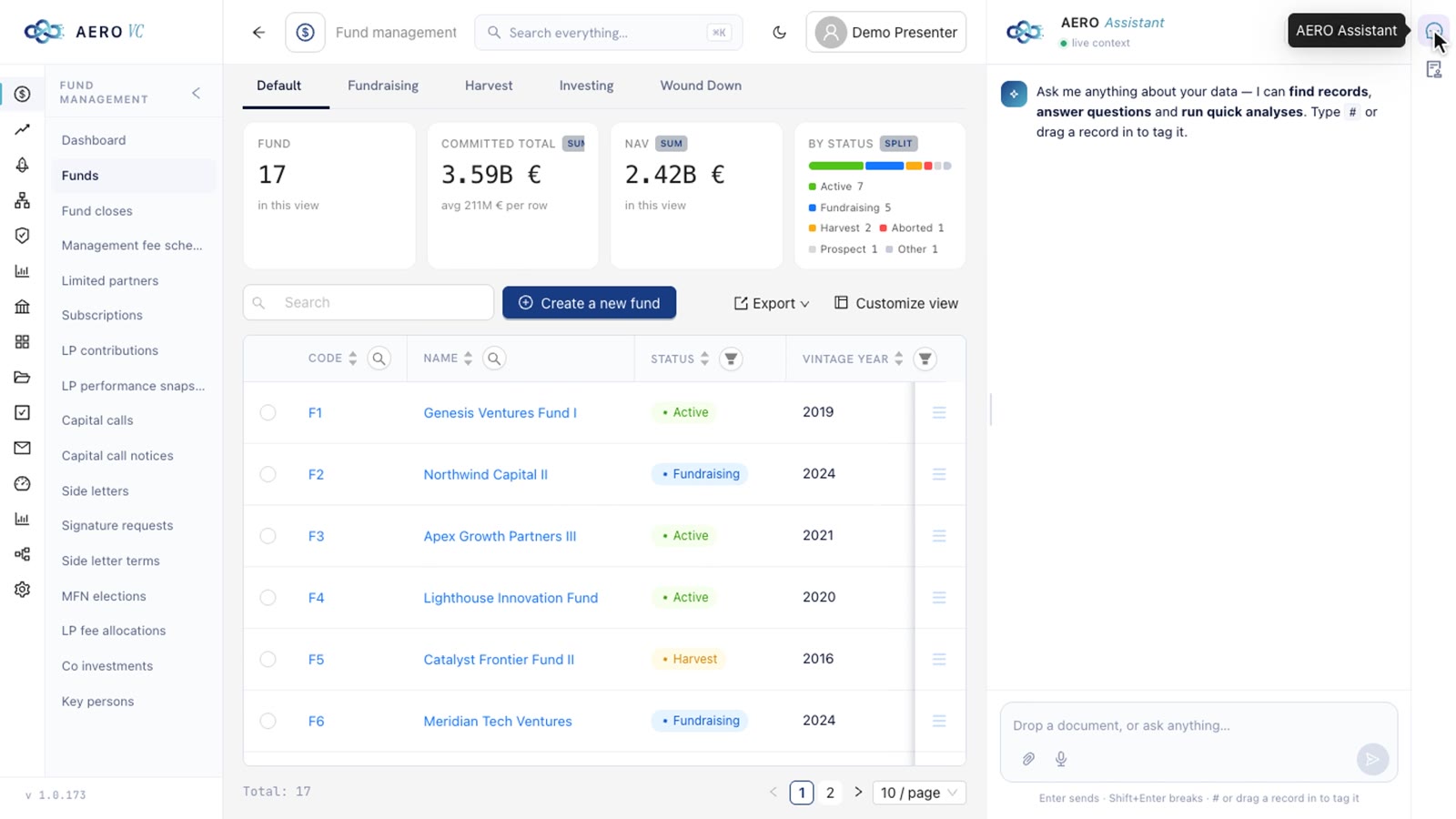
The assistant is docked beside every page and answers questions about the fund's own data with tables and charts: what each stake is worth against what was paid in, where deals drop out of the pipeline, how the portfolio's value moved by quarter. Names in its answers link to the records. Drag a table row, a page title or a deal card into the question, or type # to search, and the assistant works from exactly those records. In the film it compares two funds on what each has called and returned.
11AI assistant4:12
AERO VCAI assistant
Narration12 lines
Dashboards and reports
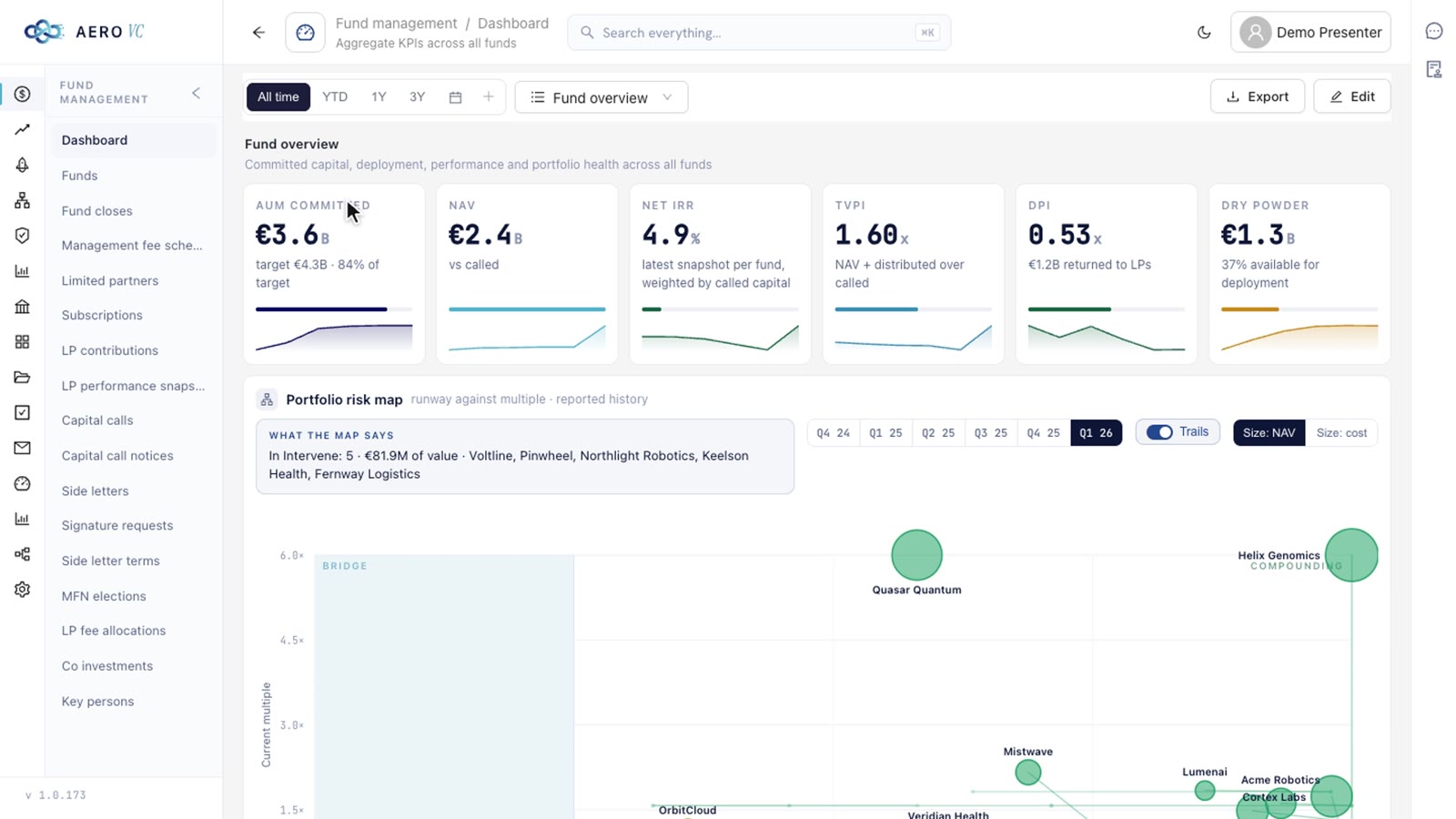
Every chart and every figure on a dashboard opens the records behind it, so any number can be checked where it appears. New dashboards start from a brief in plain English. The film builds two, portfolio health for the partners and capital calls for operations. The AI picks the data, the measures and the chart types, and checks every widget against the live data before the dashboard joins the others.
08Dashboards2:39
AERO VCDashboards
Narration11 lines
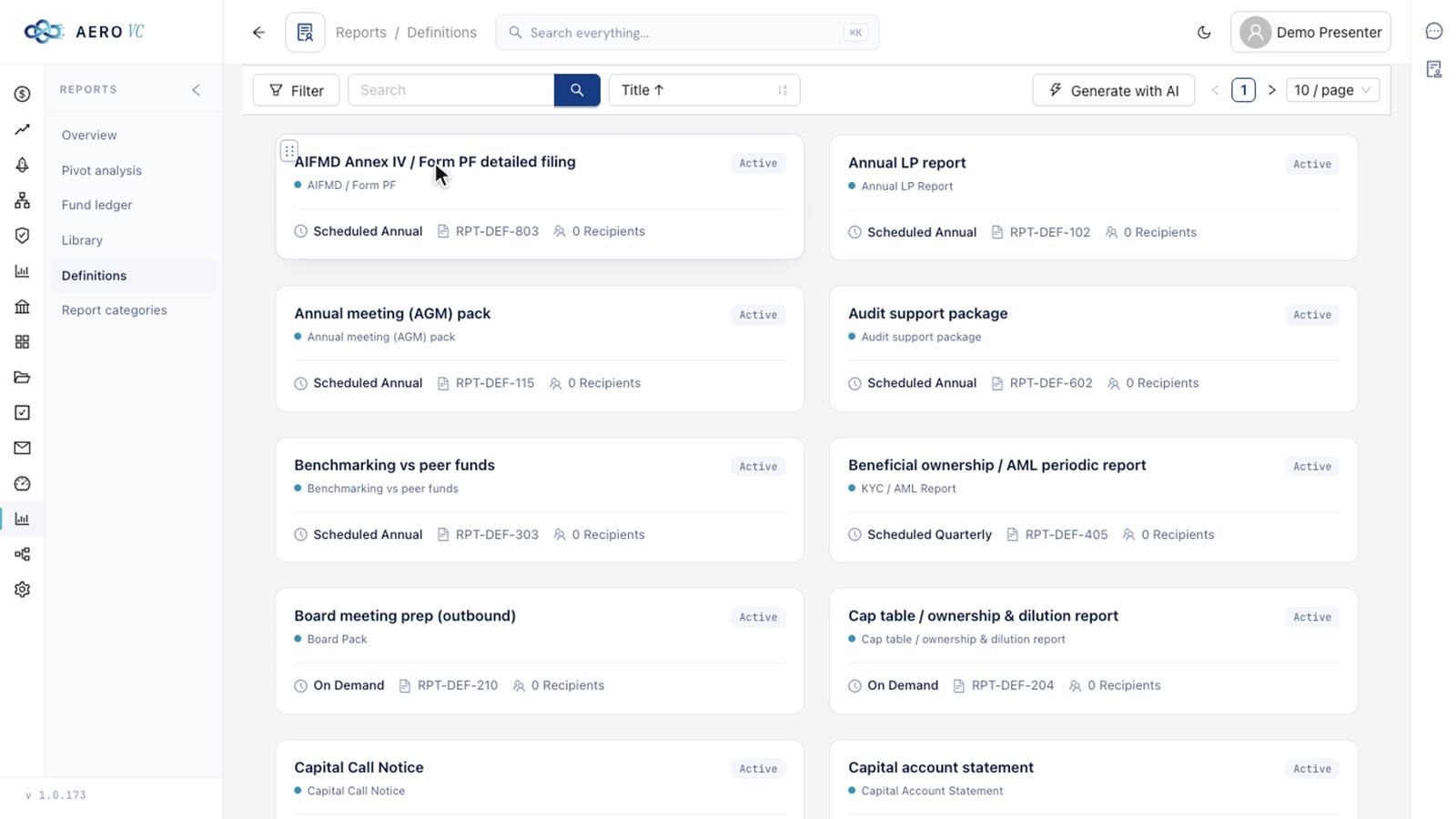
Reports sit in a catalogue and ask for their inputs. The AIFMD Annex IV filing takes a fund and a quarter, the annual LP report a fund and a year. A new report can be written from a brief: the AI writes its inputs, its data script and its layout, tests it on the real data and puts it live only when it runs. Every run is kept in the library, and a run can wait for a second person to approve it before it is distributed.
09Reports3:57
AERO VCReports
Narration9 lines
Rules that run
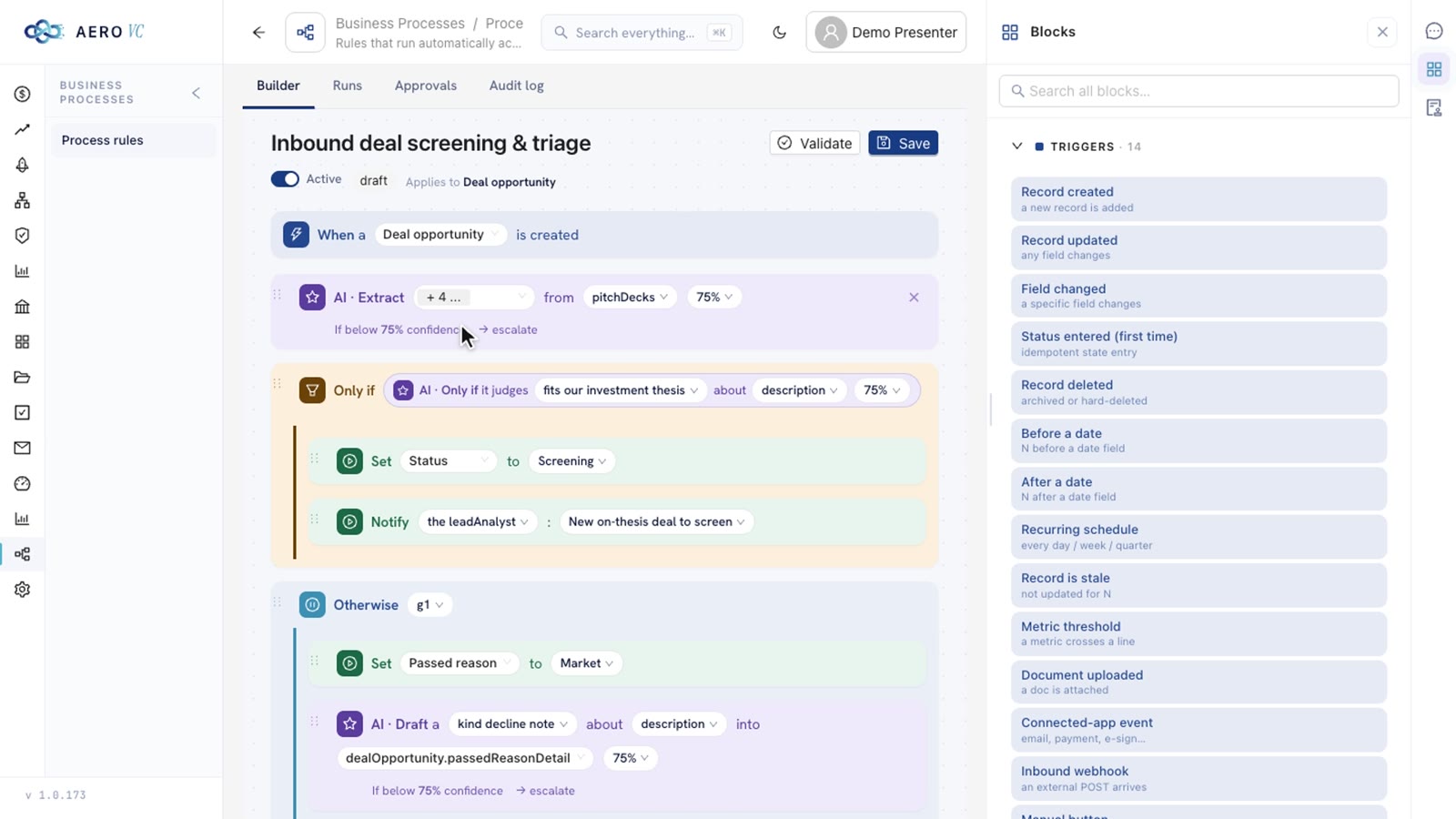
Business rules turn recurring work into steps the platform carries out: when something happens, check the conditions, then act. The first rule screens every inbound deal. The AI reads the pitch deck and judges the fit with the fund's thesis, moves on-thesis deals to screening and drafts a decline note for the rest, which goes out only after an analyst approves it.
The film then adds new rules. One is built by hand for a capital call that defaults, one is described in plain English for IC approval, and a scheduled one chases a capital call still unpaid three days after it is due. Each rule reads back in plain English, so the team can check what it will do.
10Business processes2:53
AERO VCBusiness processes
Narration9 lines
Phone and integrations
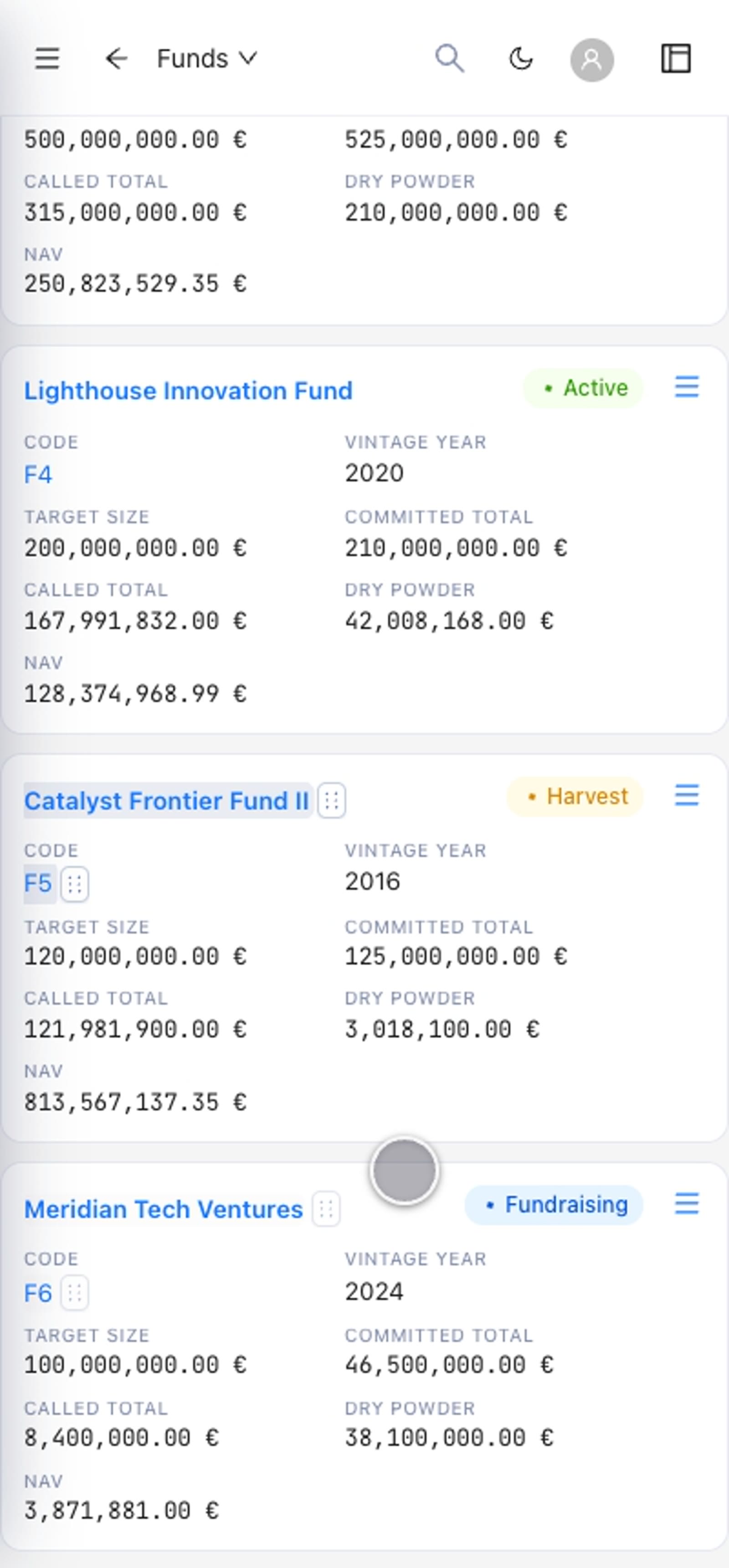
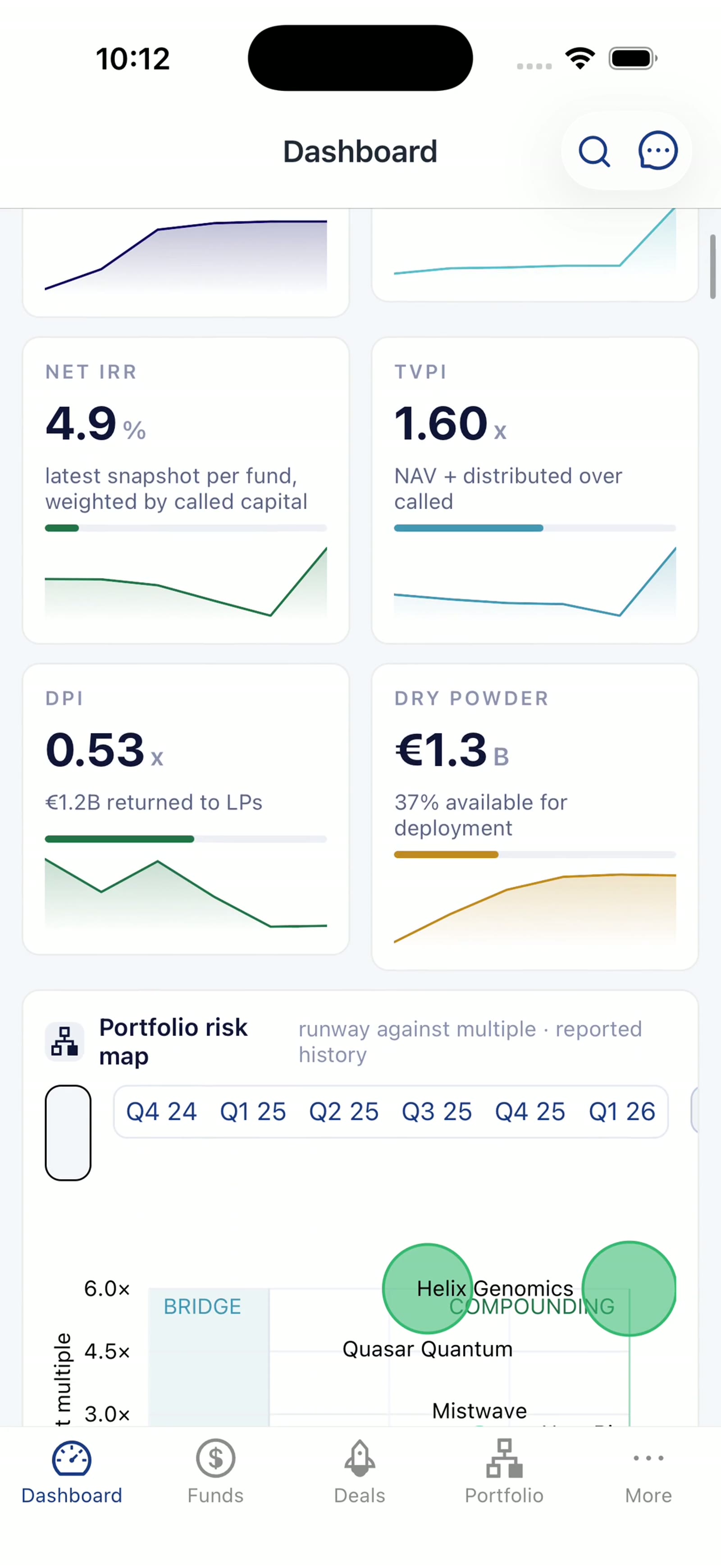
In a phone-sized browser the application adapts. Tables become cards, the menu becomes a drawer and the deal board slides sideways. The phone app carries the whole platform, with the same pages, data and permissions as the desktop, and the assistant and search are one tap away.
07Phone-width browser0:51
Narration4 lines
13The phone app1:19
Narration7 lines
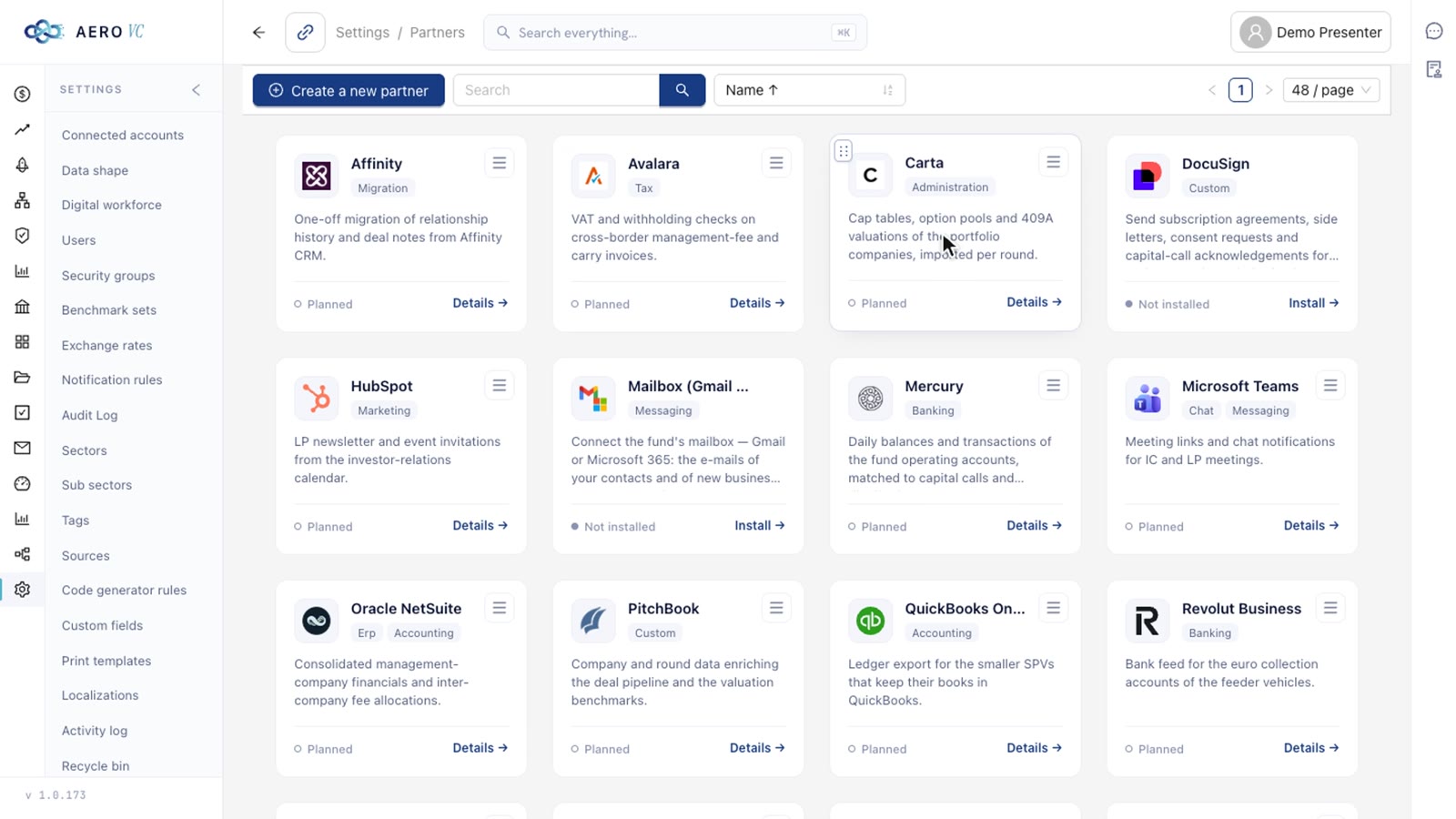
Integrations are plugins, each a separate application built with the platform's SDK. A plugin asks only for the data it needs, talks to the platform through its API and webhooks, and can be switched off at any time. Watch Twilio place a real call from the browser through the fund's own account and record it on the contact's timeline. DocuSign signs in through OAuth in its own window, so the platform never sees the password.
12Add-on architecture3:15
AERO VCAdd-on architecture
Narration12 lines
See it live
Every film on this page was recorded on the running AERO VC demo. The same demo can be walked through live, starting from the questions your own fund asks of its back office.
Keyboard
F
Theatre mode for the film in view
SpaceK
Play or pause
←→
Previous or next film (theatre); back or ahead 5 s on a focused player